Smart Home Setup for Aging Parents: Technology That Helps Without Patronizing
How to introduce helpful smart home technology to aging parents without making them feel like you're taking over. Practical, dignified solutions that enhance independence.
Setting up smart home technology for aging parents is like walking a tightrope. Too little, and you miss opportunities to genuinely improve their safety and independence. Too much, and you risk making them feel like you’re turning their home into a nursing facility.
I’ve been through this process with my own parents and helped dozens of friends navigate the same challenge. The key isn’t finding the most advanced technology — it’s finding solutions that enhance what they’re already doing without making them feel helpless or watched.
Here’s what I’ve learned about introducing smart home technology that actually helps, maintains dignity, and doesn’t turn every family dinner into a tech support session.
The Golden Rules of Smart Home for Seniors
Before we dive into specific products, let’s establish some principles:
- Start small and build gradually — Don’t turn their house into NASA mission control overnight
- Focus on daily conveniences first — Address actual frustrations, not theoretical problems
- Keep familiar interfaces when possible — Voice control beats learning new apps
- Always have manual backups — Technology should enhance, not replace, existing systems
- Involve them in decisions — This is about helping, not taking over
Video Doorbells: Safety Without Paranoia
Why they work: Lets your parents see who’s at the door without getting up, and gives you peace of mind about unexpected visitors.
Best choice: Ring Video Doorbell
The Ring doorbell hits the sweet spot of usefulness without complexity. Your parents can see and speak to visitors through the doorbell itself (no app required), while you can check in remotely if they want you to have access.
The motion detection alerts are helpful for knowing when deliveries arrive, and the video quality is good enough to clearly see faces. Installation is straightforward enough for most people, but professional installation is available if needed.
Our best video doorbells guide covers options for different technical comfort levels.
Smart Speakers: The Universal Interface
Why they work: Voice commands are intuitive and don’t require learning new interfaces. Plus, they provide entertainment and connection.
Best choice: Amazon Echo Dot
Smart speakers are often the gateway drug to smart home adoption for seniors. Start with basic functions: “Alexa, what’s the weather?” or “Alexa, set a timer for 20 minutes.” Once they’re comfortable, you can gradually add more capabilities.
The Echo Dot is small, affordable, and has excellent voice recognition even for softer speech patterns. The key is setting up the basic functions and letting them discover additional features organically.
Our best smart speakers guide explains which models work best for different hearing levels and room sizes.
Smart Lighting: Independence After Dark
Why they work: Automatic lighting reduces fall risks without requiring anyone to remember to flip switches.
Best choice: Philips Hue Smart Bulbs with motion sensors
Smart lighting might seem trivial, but it’s incredibly valuable for aging parents. Motion-activated lights in hallways, bathrooms, and bedrooms prevent nighttime falls and eliminate fumbling for switches.
Start with key pathways — bedroom to bathroom, and main living areas. The lights can be set to come on at low brightness during nighttime hours, providing enough illumination to navigate safely without disrupting sleep patterns.
The Philips Hue system integrates well with voice controls, so lights can be adjusted without getting up: “Alexa, dim the living room lights to 50%.”
Our best smart light bulbs guide covers budget and premium options for different home setups.
Smart Plugs: Making Existing Devices Smarter
Why they work: Transforms regular devices into smart ones without replacing anything familiar.
Best choice: Kasa Smart Plugs
Smart plugs are the most underrated smart home devices for seniors. They can turn any device on/off remotely or on a schedule, which creates several practical benefits:
- Lamps on timers: Lights come on automatically at sunset, creating a lived-in look and improving safety
- Coffee maker automation: Fresh coffee ready when they wake up
- Space heater control: Warm rooms before getting out of bed, with automatic shut-off for safety
- Phone charger management: Prevents battery degradation from overcharging
The beauty is that these plugs work with existing devices your parents already know how to use. The coffee maker still works the same way — it just gets power automatically.
Our best smart plugs guide covers options with physical buttons for non-tech-savvy users.
Health Monitoring: Discreet but Effective
Why they work: Provides valuable health data without feeling like medical equipment.
Best choice: Omron Blood Pressure Monitor with Bluetooth
Health monitoring is sensitive territory. The goal is providing useful data without creating anxiety or making your parents feel like patients in their own home.
Blood pressure monitors with smartphone connectivity allow readings to be shared with family members or doctors without manual tracking. The key is choosing devices that work normally for solo use but can optionally share data.
Our best blood pressure monitors guide covers monitors that balance accuracy with ease of use.
Medication Management: Safety Without Micromanaging
Why they work: Reduces medication errors without making anyone feel incapable.
Best choice: PillPack by Amazon Pharmacy or smart pill organizers
Medication management is where technology can provide genuine safety benefits. Smart pill organizers with alarms ensure medications are taken on time, while pre-sorted packaging reduces the risk of double-dosing or missed doses.
The PillPack service pre-sorts medications into daily packets, eliminating the weekly pill-sorting routine many seniors struggle with. For those who prefer organizing their own medications, smart pill organizers provide reminders without pre-packaging.
Our best pill organizers and best medication reminders guides cover both high-tech and simple solutions.
Motion Sensor Lighting: Safety Enhancement
Why they work: Automatic lighting in key areas prevents falls without requiring behavior changes.
Best choice: Motion Sensor Night Lights
Motion sensor lights are particularly valuable in bathrooms, hallways, and staircases. They provide just enough illumination for safe navigation without being bright enough to disrupt sleep patterns.
The key is choosing lights with adjustable sensitivity and brightness levels. You want them to activate for your parents but not every time a pet walks by.
Our best motion sensor lights guide covers options for different home layouts and mobility needs.
What NOT to Install (Common Mistakes)
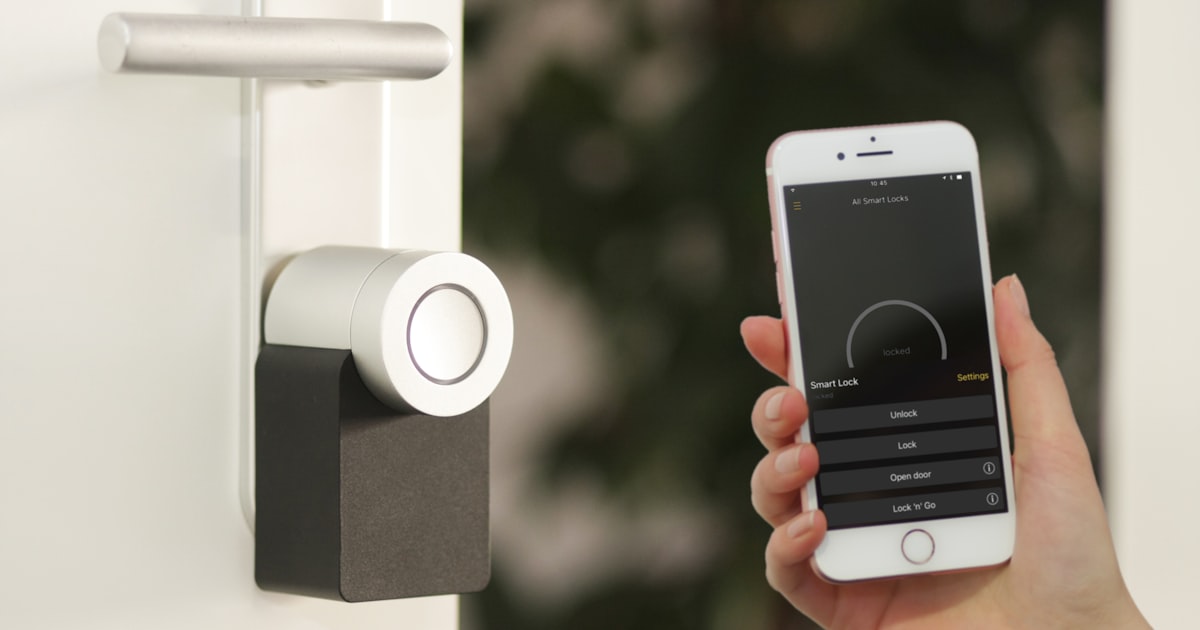
Smart locks: Unless specifically requested, these often create more anxiety than convenience. Many seniors prefer the familiar action of using physical keys.
Complex security systems: Basic video doorbells are usually sufficient. Elaborate camera networks can feel invasive and overwhelming.
Smart thermostats with learning modes: Automatic temperature adjustments can be confusing. Manual smart thermostats work better for users who want predictable control.
Voice-activated everything: Start with one smart speaker and expand slowly based on comfort level.
Implementation Strategy: The Gradual Approach
Month 1: Start with one smart speaker and a few smart plugs for lights. Let them get comfortable with voice commands for basic functions.
Month 2: Add motion sensor lighting in one key area (usually the path from bedroom to bathroom). Make sure it works reliably before expanding.
Month 3: Introduce video doorbell if there’s interest in seeing visitors more easily.
Month 4+: Add additional devices based on specific needs and comfort level with existing technology.
Technical Setup Considerations
Wi-Fi reliability: Ensure strong Wi-Fi coverage throughout the house. Smart home devices don’t work well with weak signals.
Simple controls: Choose devices with physical buttons as backup options. Not everything needs to be app-controlled.
Family access: Set up shared access for family members who might need to help with troubleshooting, but respect privacy boundaries.
Professional installation: Some devices benefit from professional setup, especially if they replace existing fixtures or require electrical work.
What We Recommend
Start with these proven combinations:
- Smart speakers: Best Smart Speakers
- Basic automation: Best Smart Plugs | Best Smart Light Bulbs
- Safety essentials: Best Video Doorbells | Best Motion Sensor Lights
- Health support: Best Blood Pressure Monitors | Best Pill Organizers
Specific starter kit:
- Amazon Echo Dot — Simple voice control hub
- Kasa Smart Plugs (4-pack) — Automation for existing devices
- Ring Video Doorbell — Security without complexity
- Motion Sensor Night Lights — Safety illumination
Advanced additions (after comfort with basics):
- Philips Hue Smart Bulbs — Full lighting control
- Omron Blood Pressure Monitor — Health monitoring with family sharing
The goal isn’t to create a high-tech showcase — it’s to solve real problems in ways that feel natural and empowering. The best smart home setup is one that fades into the background, making daily life a little easier, safer, and more convenient without constant reminders that you’re using “smart” technology.
Remember: this process is about enhancing independence, not creating dependence on technology. Done right, smart home devices should make your parents feel more capable and confident in their own space, not less.
Related articles

Best Products for Home Security DIY: Complete Guide to Protecting Your Home
Build a comprehensive DIY home security system with the best cameras, doorbells, smart locks, and sensors. Professional-grade protection without monthly fees.
Alexa vs Google Home vs Siri: Complete Smart Home Voice Assistant Comparison 2026
Compare Amazon Alexa, Google Assistant, and Apple's Siri for smart home control. Discover which voice assistant offers the best features, device compatibility, and user experience for your needs.
Smart Bedroom Setup: Best Products for Better Sleep and Wake-Up Experience
Transform your bedroom into a smart sleep sanctuary with these top-rated devices. From smart lighting that supports circadian rhythms to white noise machines and automated wake-up routines.